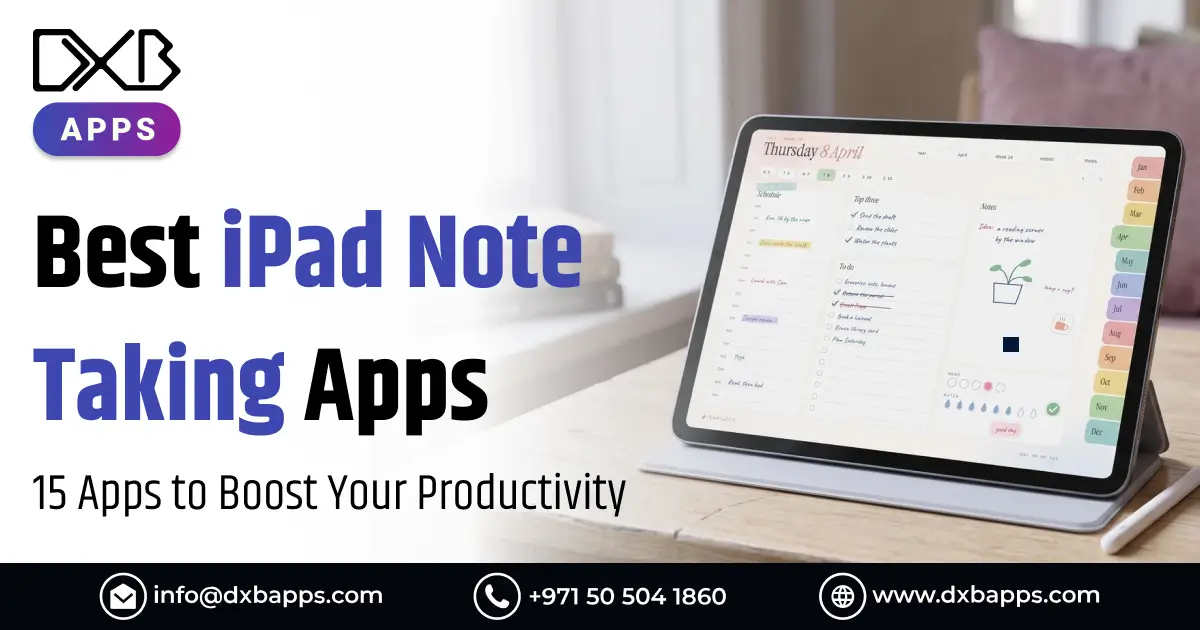
When it comes to finding the best ipad note taking apps, you are not short of options. From capturing your lecture notes to helping you plan your next campaign, the note taking app you choose can really make a difference.
Here are the things you should look out for when deciding on a note taking app:
- An app that offers you a fluid and natural experience when taking notes by hand on your iPad
- The ability to import different files (i.e. PDFs, presentations, and graphs) and annotate them
- The ability to easily view and search notes you’ve taken
Additional features like the ability to do math equations, use AI tools, and record audio are nice-to-haves but b
Before looking at these features, you should look and see if the basic necessities are covered
In this article, we will compare the best iPad note taking apps, and discuss their basic features, plus and minus, and costs, to give you an informed decision when deciding which app to go with.
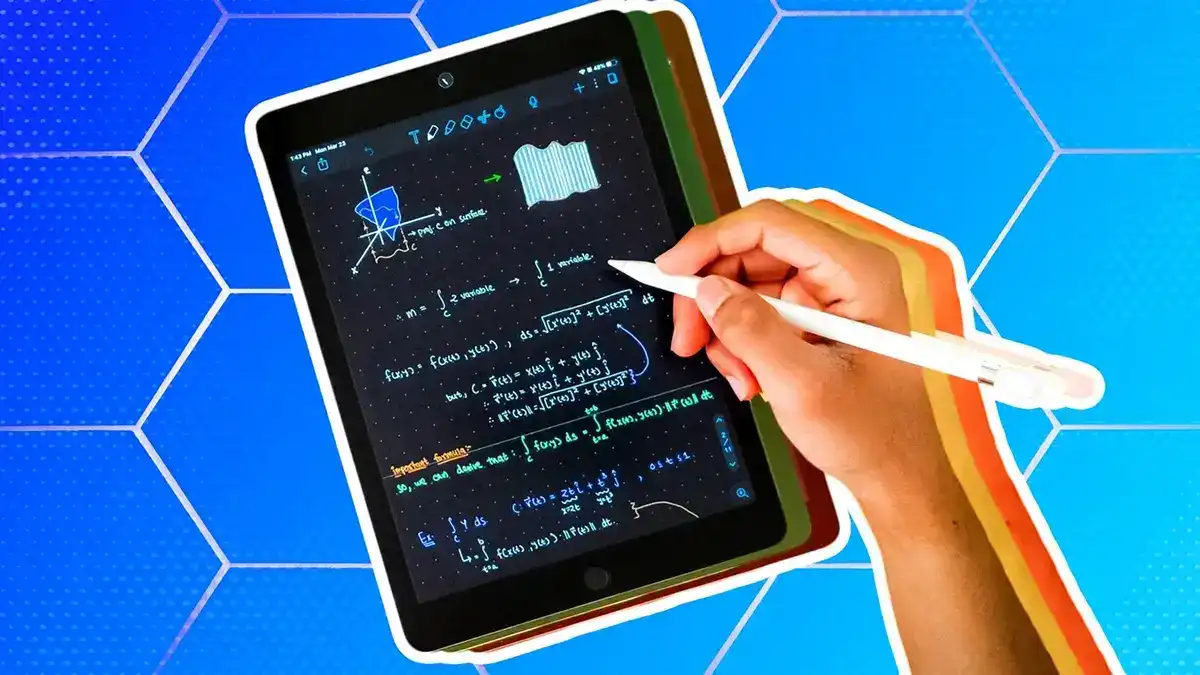
The Best Note-Taking Tools for iPad: A Side-by-Side Comparison
Here is the essential information on each tool as we go through the details.
| Note-Taking App | Note Types | Best For | Pricing |
|---|---|---|---|
| Notability | Notebooks (Handwriting & Text), PDF Import | iPad users who don't need access to notes on other devices | Starter: $0; Lite: $11.99/year; Plus: $15.99/year; Pro: $79.99/year |
| Goodnotes | Notebooks, Whiteboards, Text Documents, PDF Import | Tablet users who want advanced note-taking tools for studying and working | Free: $0; Essential: $11.99/year; Pro: $35.99/year; Teams: $120/seat/year; Enterprise: Custom |
| Apple Notes | Individual Notes (Handwriting & Text) | Users who prefer a native app for lightweight note-taking | Free |
| Kilonotes | Notebooks, PDF Import | Users who regularly review dense PDFs | Free: $0; Quarterly Premium: $4.99; Annual Premium: $9.99; Lifetime: $19.99 |
| Microsoft OneNote | Notebooks, Sections, Pages, PDF Import | Users working within the Microsoft 365 ecosystem | Free: $0; Personal: $9.99/month; Family: $12.99/month; Premium: $19.99/month |
| Freenotes | Notebooks, Whiteboards, PDF Import | Students who want free note-taking and don't mind ads | Plus: $1.99/week or $9.99/year; Pro: $6.99/week or $39.99/year |
| Noteful | Notebooks, PDF Import | Users who want simple note-taking without AI features | Free: $0; Pro: $6.99 (one-time) |
| MyScript Notes | Notebooks, Documents, Boards, PDF Import | Students seeking accurate handwriting recognition | Free: $0; Paid: $1.99/month or $7.99/year; Lifetime: $24.99 |
| CollaNote | Notebooks, PDF Import | Users seeking an affordable alternative to premium apps | Free: $0; Premium: $13.90 (one-time) |
| Bear | Individual Notes (Markdown & Text) | Users who prefer Markdown notes with clean organization | Free: $0; Pro: $2.99/month or $29.99/year |
| Evernote | Notebooks, Tasks | Users who need note-taking and task management | Starter: $14.99/month; Advanced: $24.99/month; Enterprise: Custom |
| LiquidText | PDF Import | Researchers who need advanced PDF annotation and analysis | Basic: $0; Pro: $89.99 (one-time); LIVE: $10.99/month; LIVE Unlimited: $18.99/month |
Looking for a trusted iOS app development company in Dubai?
DXB APPS designs and develops high-performance iPhone and iPad apps for startups and enterprises across the UAE, from idea to App Store launch.
Talk to Our iOS Experts1. Notability
Notability is one of the best note taking app for ipad for professionals and students who use iPads to organize their notes. It has a 4.8 star rating (out of 450,000 + reviews) on the App Store. Notability’s pricing includes a subscription and a one time purchase.
Key Features:
- Natural ink: Take responsive notes with sketching and writing tools like pen, calligraphy brush, and highlighter.
- Smart gesture detection: Freely draw and create shapes using your stylus. Shape detection will assist you in perfecting the shape.
- Practice quizzes and flashcards: Students using iPads can generate multiple-choice, mix-and-match, and fill-in-the-blank questions for practice based on their notes to help with active recall.
- Split view: Split your notes and have them appear side-by-side for easy copying and pasting.
Pros and Cons
| Pros | Cons |
|---|---|
| Notability Learn generates study materials directly from notes. | Available only on Apple devices (iOS and Mac), with no native Windows or Android version. |
| Simple, minimal toolbar layout with scrollable notes for easy navigation. | The free plan has limited note-taking features, no iCloud syncing, and restricted customization options. |
| Provides a smooth, reliable, and flexible handwriting experience. | Some users report issues with note loading and syncing across devices. |
Pricing
| Starter | Lite | Plus | Pro |
|---|---|---|---|
| $0 (Free) | $11.99/year | $15.99/year | $79.99/year |
| 5 free notes | Everything in Starter | Everything in Lite and Classic | Everything in Plus |
| All editing tools and content | Unlimited notes | Up to 100 YouTube link-to-note conversions/month with transcripts and summaries (web only) | Unlimited YouTube link-to-note conversions with transcripts and summaries (web only) |
| Import PDFs and documents | Third-party backups (iOS only) | Up to 400 AI-powered quizzes and flashcards/month | Unlimited AI-powered quizzes and flashcards |
| Access to 20,000+ note-taking templates | 7-day version history | Audio recording and transcription | Unlimited real-time transcription and AI-powered summaries |
| 7-day version history | — | Instant handwriting search | Unlimited live audio transcription |
| — | — | 30-day version history | Chat with your notes for explanations and faster learning |
| — | — | — | 90-day version history |
Notability sells a version of the app that offers a one-time purchase for unlimited note-taking. It costs $39.99 and includes the features of Notability Lite as well as extras such as handwriting recognition and search, sync with Notability Cloud, and a 7-day version history.
2. Goodnotes
GoodNotes is the most powerful ipad note taking app, designed for all types of writing, thinking, and typing. It’s the note taking app of the year, 2022, by Apple. More than 25 million users trust GoodNotes.
Key Features:
- Multiple document types: Import and annotate PDFs, text documents, whiteboards, images, etc.
- Extensive note-taking features: Mark-up documents with various digital pens, pencils, and highlighters. Move and edit handwritten text using the Lasso tool. Add doodles, sticky notes, and other graphic objects.
- Quiz maker: Generate quizzes from your notes using AI.
- Other AI-related tools: Use AI to generate summaries of notes, create visual note summaries, and transcribe your handwritten notes.
- Audio recording feature: Record lectures and other meetings, and jot down thoughts and comments, and have the audio automatically time-stamped with the recorded audio.
- Math problems: Use AI to help you break down solutions to handwritten math problems.
- Best app to annotate PDFs: Performance and speed when it comes to annotating large PDFs. It has searchable handwriting and cross-device sync. It is the best app for annotating PDFs in the market.
Pros and Cons
| Pros | Cons |
|---|---|
| Designed for iPad with pressure sensitivity, Apple Pencil gestures, and handwriting-to-text conversion for a natural writing experience. | The desktop version of Goodnotes does not support all the features available in the tablet app. |
| Highly customizable notebooks, pages, templates, pens, and other note-taking tools. | AI features are only available on paid plans. |
| Cross-platform compatibility across Apple, Android, and Windows. | — |
| Handwriting spellcheck corrects mistakes and allows easy conversion of handwritten notes into text. | — |
| Simple interface with folders, organized notes, and searchable content for easy navigation. | — |
Pricing
| Free | Essential | Pro |
|---|---|---|
| $0 | $11.99/year | $35.99/year |
| Up to 3 files | Unlimited files | Everything in Essential |
| 5MB import size limit | All note-taking tools | Google Drive integration |
| Basic note-taking tools | Unlimited audio recording | Private link sharing |
| Export without watermark | Limited AI capabilities | Real-time collaboration |
| Live collaboration sharing | Google Calendar integration | Sync across devices |
| — | — | AI capabilities |
3. Apple Notes
Apple Notes is Apple's default, native note-taking app, that comes pre-installed on your iPad. It is very basic and therefore, works best for users who prefer to stick with the native apps, and do basic note-taking. Apple Notes lags behind some of the other apps on this list in terms of advanced, in-depth features.
Key Features:
- Note-taking toolbar: Jot down thoughts using a variety of drawing tools in Apple Notes.
- Apple Intelligence: Use Apple's built-in AI playground to create images, right in Apple Notes.
- Audio recording and transcription: Record meetings and get real-time transcriptions, all within Apple Notes.
- Document scanner: Use your iPad’s camera to scan documents, sign them, and save them as PDFs.
- Smart folders and tags: Use hashtags to file your documents, and use intelligent folders to organize and save them.
Pros and Cons
| Pros | Cons |
|---|---|
| Completely free and pre-installed on Apple devices, making it easy to get started. | Lacks some advanced features found in dedicated note-taking apps, such as flexible PDF annotation and real-time collaboration. |
| Clean, distraction-free interface with essential note-taking tools. | Limited to the Apple ecosystem, with no native Windows or Android app. |
| Free forever, with no subscription required. | Typed text blocks offer less flexibility in positioning and layout compared to dedicated note-taking apps. |
Pricing
Apple Notes is completely free!
4. Kilonotes
Kionotes is an app for taking and organizing notes, with hundreds of templates. It has various AI features for helping users study and go through dense PDFs, like textbooks and lecture notes. The app is designed for students.
Key Features:
- Natural handwriting: Pick from a variety of pen tools such as ballpoint, paintbrush, and fountain pens.
- Unlimited virtual paper: Take as many notes as you want, even on the free plan.
- AI-powered features: Automatically record lectures, summarize PDFs, and create study aids from your notes.
- Interactive templates: Use a variety of dynamic layouts such as digital trackers, calendars, and structured study notebooks. Use interactive hyperlinks to jump between chapters.
-
Stationery center: Add stickers to your notes, and use different fonts and color palettes.
Pros and Cons
| Pros | Cons |
|---|---|
| Offers a generous free plan with unlimited virtual paper and basic AI capabilities. | The free version includes ads and watermarks on exported notes, with many advanced AI features restricted to paid plans. |
| Extensive customization options, including stickers, templates, and notebook covers. | Note-taking and AI features require separate paid subscriptions, increasing the overall cost. |
Pricing
| Free | Quarterly Premium | Annual Premium | Lifetime Access |
|---|---|---|---|
| $0 | $4.99/3 months | $9.99/year | $19.99 (one-time) |
| Explore Kilonotes and start building your note-taking workflow. | Access premium tools and enhanced note-taking features for 3 months. | Enjoy premium tools, greater flexibility, and a complete note-taking workspace for 1 year. | Get lifetime access to Kilonotes with a one-time payment. |
5. Microsoft OneNote
OneNote is Microsoft’s note-taking app, which uses the classic look and feels of Microsoft Office 365, with the added bonus of compatibility across multiple devices. It is best for those who use other Office products such as Word or Excel. It may seem outdated when compared to other note taking applications, but it is a powerful tool with lots of features.
Key Features:
- Standard Note-Taking Features: The free plan allows for 5GB of storage. You can type, draw, or record audio notes. Your notes are synced automatically to OneDrive.
- Clean Organization: OneNote uses a notebook > section > page structure. You are free to add, rename or move sections and pages as you see fit.
- Flexible Canvas: Unlike OneNote’s competitor, you don’t have to work from top to bottom. You are free to add drawings and other media anywhere you’d like. This makes it ideal for brainstorming and mind mapping.
- Copilot AI: Long page summaries, note-related chats, content creation and rewriting. It is important to note this is built on top of the base subscription, and requires a Microsoft 365 Copilot plan.
- Other Integrations: Tie your notes to your Outlook calendar or meeting attendees, embed other Office documents.
Pros and Cons
| Pros | Cons |
|---|---|
| Completely free for core note-taking features, making it accessible to all users. | The interface and user experience can feel cluttered and outdated compared to newer note-taking apps. |
| Supports real-time collaboration in shared notebooks, allowing multiple users to work together. | Lacks synchronized audio recording and note playback features offered by some competing apps. |
| Offers enterprise-grade security with internationally recognized data protection standards. | Users may experience slow background syncing or conflicts when switching between desktop, tablet, and mobile devices, despite OneDrive integration. |
Pricing
The standalone version of Microsoft OneNote has a free option that's available on iOS devices including iPads. Some features include basic note taking, OneDrive sync, and 5GB of free cloud storage. Additional features are accessible with a Microsoft 365 subscription, which does include the full Microsoft 365 toolset as well.
| Microsoft 365 Personal | Microsoft 365 Family | Microsoft 365 Premium |
|---|---|---|
| $9.99/month | $12.99/month | $19.99/month |
| For 1 person | Everything in Personal | Everything in Family |
| Sign in on up to 5 devices simultaneously | For 1–6 people (AI features for subscription owner only) | Advanced Copilot chat with extensive usage |
| Compatible with PCs, Macs, phones, and tablets | Each person can use up to 5 devices simultaneously | Agentic AI features for advanced research, analytics, and task automation |
| 1 TB secure cloud storage | Up to 6 TB secure cloud storage (1 TB per person) | Extensive AI image generation capabilities |
| Word, Excel, PowerPoint, and Outlook desktop apps with Copilot | — | — |
| Advanced Copilot chat with higher usage limits than the free version | — | — |
| Enhanced visual AI assistance through screen or camera | — | — |
| Higher usage limits for AI-generated audio (English only) | — | — |
| Secure Copilot integration with work files in selected apps | — | — |
| Higher usage limits for AI image generation | — | — |
| Identity, data, and device security | — | — |
| All-day video calling and Copilot in Teams | — | — |
6. Freenotes
Freenotes is an iPhone and iPad note taking app that is expanding into the Android market. Since its creation, the app has shifted from a completely free model to a tiered pricing model. The new pricing is based on including advanced AI features to justify the cost.
Key Features:
- Multiple formats for notes: write on an infinite canvas, or on fixed-sized documents for brainstorming and active note taking.
- Direct flashcard generator: turn your study notes into flashcards for info retention and study directly in your note document.
- AI-powered features: use AI to create summaries of your meeting notes, chat with PDFs to enhance learning, get a study companion to clarify concepts and explain notes and terminology.
- Picture-in-Picture (PiP) and split-screen: Take notes while watching video lectures and course content using the integrated split-screen feature.
Pros and Cons
| Pros | Cons |
|---|---|
| Supports over 26 languages, making it accessible to users worldwide. | The free version includes ads, which can interrupt the note-taking experience. |
| Offers a generous free plan with essential handwriting tools, notebook creation, and customizable pen styles. | Frequent changes to pricing and subscription plans can make the cost structure confusing for users. |
Pricing
| Plus | Pro |
|---|---|
| $1.99/week or $9.99/year | $6.99/week |
| Unlimited notes | Everything in Plus |
| Unlimited file imports | AI-powered study assistant |
| Unlimited audio recording | AI search and summaries |
| Version history | AI brainstorming and problem-solving |
| Ad-free experience | AI grammar checking |
| Premium note-taking tools (expand page, two-page mode, split screen, layers, pressure-sensitive eraser) | Feynman AI learning assistant |
| Video support | Unlimited live transcription |
| Exclusive templates and icons | — |
| 30 minutes of live transcription | — |
7. Noteful
Noteful is a simple and lightweight tool for those that don't need the AI or advanced features of other note-taking apps. It is designed specifically for the iPad and Apple Pencil. Users say the app is fast, easy to use and has great precision. Noteful is one of the few note-taking apps for iPad on the list to offer lifetime access for a one-time fee.
Key Features:
- InfiniteStroke engine: Take notes withNoteful’s tech to capture your best handwriting.
- Layer system: Stack various layers of your notes across your entire digital planner. Keep calendars, templates and stickers in locked backgrounds. Overlay additional notes on top of them.
- Audio recording: Easily find the portion of your lecture or meeting to align with your handwritten notes.
- Stickers and elements: Build a library of your screenshots to use as stickers in your notes and calendar.
Pros and Cons
| Pros | Cons |
|---|---|
| Highly praised for precise and responsive pen tools, providing a smooth handwriting experience. | Lacks AI-powered features for summarizing and organizing notes. |
| Affordable one-time purchase with no recurring subscription fees. | Available only on Apple devices, with no native Windows or Android support. |
| Powerful zooming and page reformatting tools allow detailed writing and precise annotations. | Does not support handwriting search or OCR for recognizing handwritten text. |
Pricing
Please note that prices vary by region.
| Free | Pro |
|---|---|
| $0 | $6.99 (one-time payment) |
| Core note-taking and editing tools | Full access to layers, templates, and advanced organization features |
8. MyScript Notes
MyScript Notes (formerly Nebo) has the most accurate handwriting and note-taking recognition technology. It was established in 1998, innovating the transformation of static ink to digital ink, giving users the flexibility to edit digital documents on the go. MyScript additionally was the winner of the CES Mobile Apps Showdown 2017.
Key Features:
- Multi-language support: Get support for over 66 languages using MyScript’s leading interactive ink handwriting technology.
- Four core document types for notes: Write on notebooks, boards (infinite canvas), documents and PDFs.
- Pen gestures for editing: Erase text by scratching it out, or underline to emphasize, for instance.
- Vector diagram mapping: Rough geometric vector outlines are automatically transformed into finished shapes. The shapes are editable and movable.
- Integrated AI Tools: Notes are automatically summarized, answer context-based questions and create interactive quizzes for review.
Pros and Cons
| Pros | Cons |
|---|---|
| Offers highly accurate handwriting recognition technology for precise and natural digital writing. | Advanced features, including gestures and switching between structured documents and infinite canvas, can have a steep learning curve. |
| Supports multiple platforms, including Windows, Android, and iOS. | Automatic syncing between devices requires setting up a MyScript account. |
| Structured handwriting mode allows handwritten notes to behave like typed text, automatically reflowing when the screen orientation or layout changes. | A mobile purchase covers iOS and Android, but the Windows version requires a separate purchase. |
Pricing
MyScript Notes offers the following pricing.
| Free | Paid | Lifetime |
|---|---|---|
| $0 | $1.99/month or $7.99/year | $24.99 (one-time payment) |
| Unlimited notebooks and pages | Everything in Free | Everything in Paid |
| Unlimited folders and collections | Unlimited boards | Lifetime access with a one-time payment |
| PDF exports with watermark | Unlimited documents | No recurring subscription fees |
| Generative AI features | Convert text, math, and images | — |
| No backup functionality | Scratch-to-erase feature | — |
| — | PDF import and annotation | — |
| — | AI study sets (iOS only) | — |
| — | Automatic syncing across devices | — |
9. CollaNote
CollaNote is a robust note taking app. It is known for providing users with essential note-taking features at an affordable cost. The free version includes real-time collaboration, many different brushes and a suite of AI tools.
Key Features:
- Extensive handwriting tools: Use over 25 different pen tools including brushes. Pick the type of pen stabilization that works best for you.
- AI Generator: Have study images and backgrounds generated for you automatically.
- PDF and document markup: Import, annotate and export PDFs, slides and Word docs. Write on the pages directly.
- Flashcards: Create interactive study flashcards with images, sounds and text.
- Cover tape tool: Add digital opaque tape to your handwritten notes to cover answers and block out the rest, then quiz yourself and practice answer recall.
Pros and Cons
| Pros | Cons |
| Offers a comprehensive free version with a wide range of note-taking features. | The interface can feel cluttered and overwhelming compared to more minimalist note-taking apps. |
| Provides extensive brush customization options for a personalized handwriting experience. | Requires manual backup of individual notebooks, as automatic backup is not available, increasing the risk of data loss. |
| Frequent users may receive discounts on the Premium lifetime purchase. | — |
Pricing
| Free | Premium |
|---|---|
| $0 | $13.90 (one-time payment) |
| Unlimited notes | Everything in Free |
| Standard pens and brushes | Advanced brushes |
| PDF importing | Custom themes |
| Basic note-taking tools | Additional visual tools |
10. Bear
Bear differs in its approach to note-taking. Designed especially for Apple’s ecosystem, Bear is praised for its clean and simple design, lack of clutter and intuitive interface. In 2016, Bear received the award for App of the Year from the App Store, and followed it up the next year with a prestigious Apple Design Award.
Key Features:
- Markdown editing: Take advantage of full Markdown support while editing.
- Intuitive Layout: Easily organize and manage your notes with our simple layout and structure.
- Advanced search: Find your notes easily with Optical Character Recognition (OCR) for PDFs and images.
- Note linking and backlinks:Easily create and manage relationships between your thoughts with backlinks and linking notes to one another.
Pros and Cons
| Pros | Cons |
| Offers an elegant, clean, and distraction-free writing experience within the Apple ecosystem. | Does not support PDF annotation. |
| Strong privacy and security, with notes stored locally on your device and synced through iCloud rather than Bear's servers. | The free plan does not include iCloud syncing, limiting its usefulness across multiple devices. |
| Optimized for Apple devices, providing fast performance with minimal lag or loading delays. | Apple Pencil handwriting is restricted to specific drawing areas rather than allowing unrestricted writing across the page. |
Pricing
| Free | Pro |
|---|---|
| $0 | $2.99/month or $29.99/year |
| Basic Markdown writing | Everything in Free |
| Local note storage on your device | Cloud syncing for notes and TagCons across devices |
| — | Encrypt individual notes and lock the Bear app |
| — | Advanced export options (PDF, HTML, DOCX, JPG) |
| — | Access to over 24 customizable themes |
| — | Over a dozen app icons, including the beta icon |
| — | OCR search for text within PDFs and images |
Ready to start your iOS app development journey?
Partner with DXB APPS to build a custom iOS application that aligns with your business goals, engages users, and delivers long-term value.
Get a Free iOS ConsultationDXB APPS: Offering Top Note-Taking App Development Services
Want to create a note taking app like GoodNotes or Notability? DXB APPS is a trusted mobile app development company Dubai that specializes in developing custom note taking apps for business and education. With years of experience, we design apps that help you manage your digital notes. DXB APPS develops custom note taking apps for both iOS and Android, giving you the ability to manage digital notes in an organized way.
Advanced Features of Note Taking Apps
Our note taking mobile app development Abu Dhabi service includes:
- Apple Pencil Integration: For smooth hand writing, sketching, and digital drawing.
- AI Note Taking: Captures notes, does summaries, and organizes notes automatically.
- PDF Annotation: Import, edit, and annotate PDFs.
- Cloud Sync: Access and manage notes on all your devices.
- Smart Search and Organization: Find notes using keywords, folders, and tags.
- Real Time Note Sharing and Collaboration: Share notes and edit with classmates and colleagues.
- Audio Recording, Transcription, and Editing: Record meetings and classes and do speech to text.
Conclusion
The best iPad note taking app for you in 2026 may depend on your note taking preferences and budget. Goodnotes and Notability are great for handwriting and annotating PDFs. Apple Notes is also great and is free. For handwriting recognition, MyScript Notes is a great option. If you are looking to be productive across different devices, Microsoft OneNote is a great option. Some other options worth checking out if you are on a budget are Noteful, CollaNote, and Kilonotes.
If you want an app to help you more effectively take notes, and help you stay organized and manage your daily tasks, then make sure to check out the apps listed above that offer a free version.
FAQS
What is the best note-taking app for iPad?
Goodnotes and Notability are the best iPad note-taking apps of 2026 with tools to annotate PDFs using handwriting and AI.
Which iPad note-taking app is free?
Apple Notes and Microsoft OneNote are free. Free versions of GoodNotes, Notability, and CollaNote are available, but have limited features.
Is Goodnotes better than Notability?
Goodnotes is better for organising and labeling notes, while Notability is better for lecture capture and audio supported note taking.
What is the best app for Apple Pencil notes?
Goodnotes is one of the best Apple Pencil note-taking apps. It has smooth handwriting, pressure-sensitive pens, and handwriting-to-text conversion.
Can I take handwritten notes on an iPad?
Yes, handwritten notes are possible with the use of Goodnotes, Notability, Apple Notes, and similar apps, with an Apple Pencil or compatible stylus.
Which iPad app is best for students?
Both Goodnotes and Notability are exceptional for students because of features like handwritten notes, annotating PDFs, audio recording, and AI study tools.
What is the best app for organizing digital notes?
One advantage of Microsoft OneNote is how digital notes can be organized into notebooks, sections, and pages. Bear organizes digital notes in a different way, using tags.
Also Read:- How To Delete Apps On iPhone?